


DS-1273ZJ-135


 Description
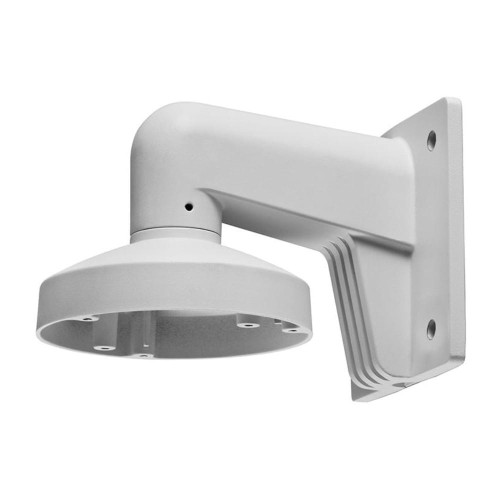
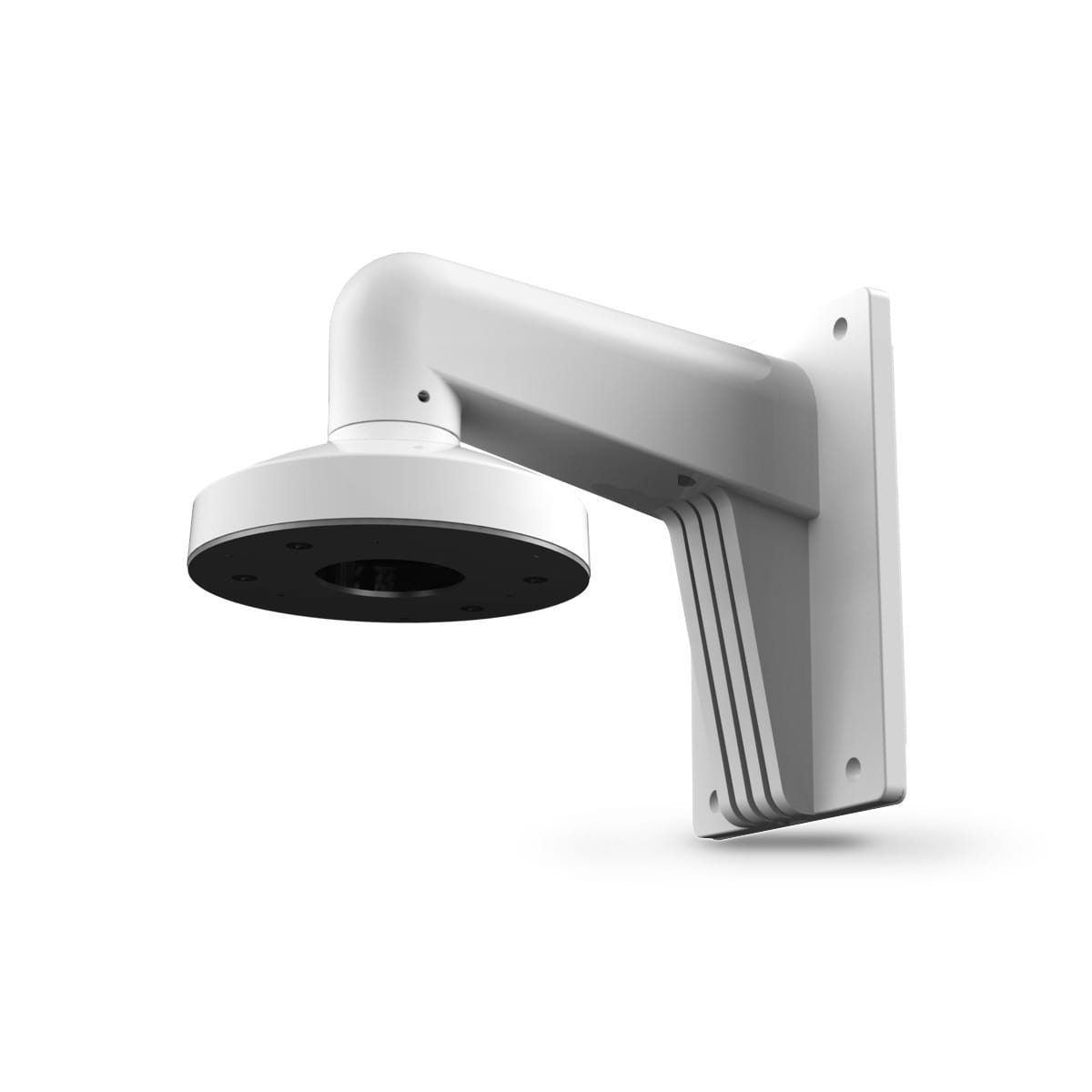
DS-1273ZJ-135B Wall Mounting Bracket for Dome Camera (with Junction Box) Features: Aluminum alloy material with surface spray treatment Design of cable entrance hole Better water proof design Junction box with waterproof stopper Dimension: Order Model: DS-1273ZJ-135B Parameter: Model Parameters DS-1273ZJ-135B Wall Mounting Bracket for Dome Camera (with Junction Box) Appearance Hik White Range of Application Suitable for dome camera wall mounting Material Aluminum Alloy Dimension 136x243x290mm Weight 1490g Notice: The bracket should be installed on flat wall The wall must be capable of supporting over 3 times as much as the total weight of the camera and the mount. The maximum load capacity of the bracket is 4.5KG Model Suitable: DS-2CD2712F-I(S),DS-2CD2732F-I(S),DS-2CC52X1P(N)-VP, DS-2CC52X1P(N)-AVPIR2 Installation Step: ① Choose appropriate wall to install the bracket and thread the cable through waterpr...
Warranty: 36 mon.
Datasheet 
Text contents of PDF datasheet:
DS-1273ZJ-135B
Wall Mounting Bracket for
Dome Camera (with Junction Box)
Features:
Aluminum alloy material with surface spray
treatment
Design of cable entrance hole
Better water proof design
Junction box with waterproof stopper
Dimension:
Order Model:
DS-1273ZJ-135B
Parameter:
Model
Parameters
DS-1273ZJ-135B
Wall Mounting Bracket for
Dome Camera (with Junction Box)
Appearance Hik White
Range of
Application
Suitable for dome camera wall mounting
Material Aluminum Alloy
Dimension 136x243x290mm
Weight 1490g
Notice:
The bracket should be installed on flat wall
The wall must be capable of supporting over 3 times as
much as the total weight of the camera and the mount.
The maximum load capacity of the bracket is 4.5KG
Model Suitable:
DS-2CD2712F-I(S),DS-2CD2732F-I(S),DS-2CC52X1P(N)-VP,
DS-2CC52X1P(N)-AVPIR2
Installation Step:
① Choose appropriate wall
to install the bracket and
thread the cable through
waterproof stopper
② Fix bracket to junction box
thread the cable and screw up
③ Fix adaptor cap to bracket
with tightening screw
④ Take off lower dome
and lining
A: Fastening screw
⑤ Install dome camera to
adaptor cap and fix with
screw
⑥ Install lining to dome camera
and adjust the angle of view
⑦ Install lower dome to
dome camera and screw
up
⑧ Installation complete
Note: The actual bracket may vary from the picture above.